Product Details
| Specification | Details |
|---|
| Product Type | TF / microSD Card Reader |
| Interface | USB Type-C |
| Interface Standard | USB 2.0 (Supplier Title) |
| Card Slot | TF Card |
| Compatible Card Type | TF / microSD |
| Installation | External |
| Design | Mini / Portable |
| Colour | Black (Supplier Title) |
| Package Included | Yes |
| Certification | CE, FCC, RoHS (Supplier Listed) |
| Brand | Unbranded |
| Origin | Mainland China |
| High-Concern Chemicals | None Declared |
Compact USB-C TF Card Reader
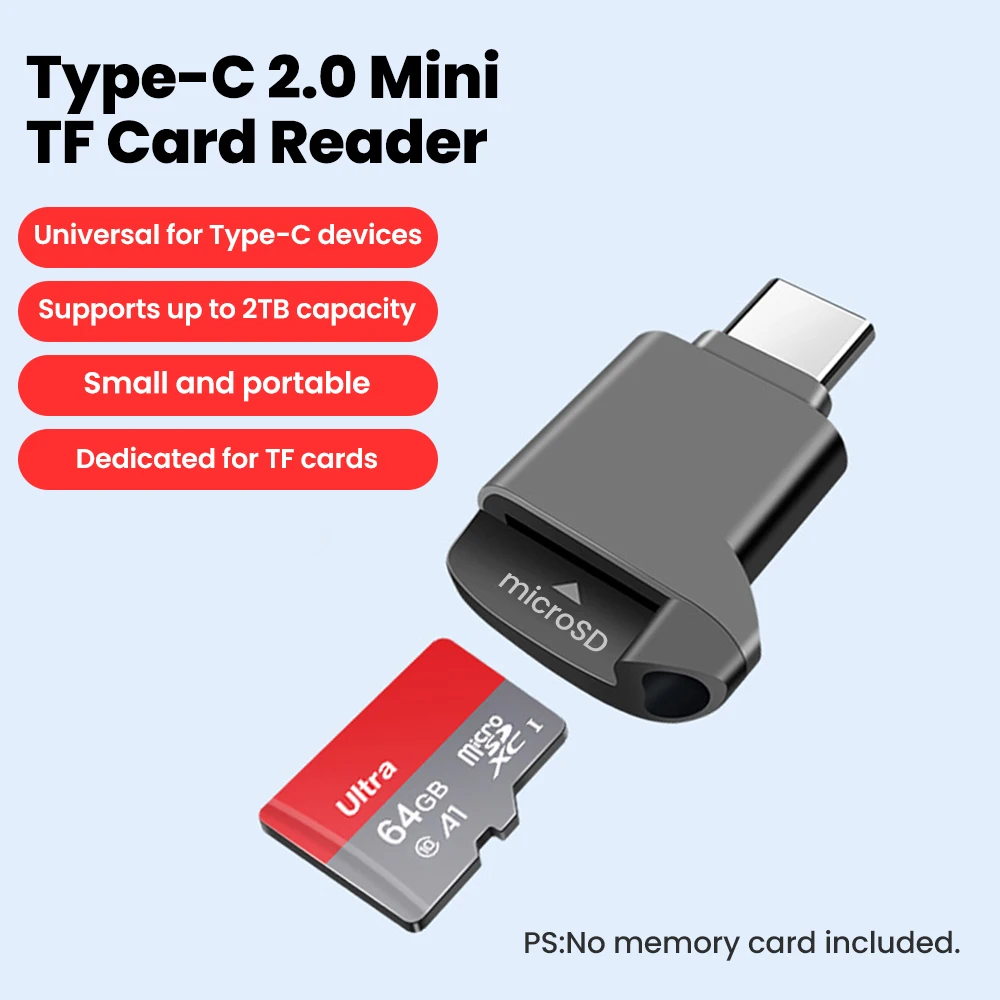
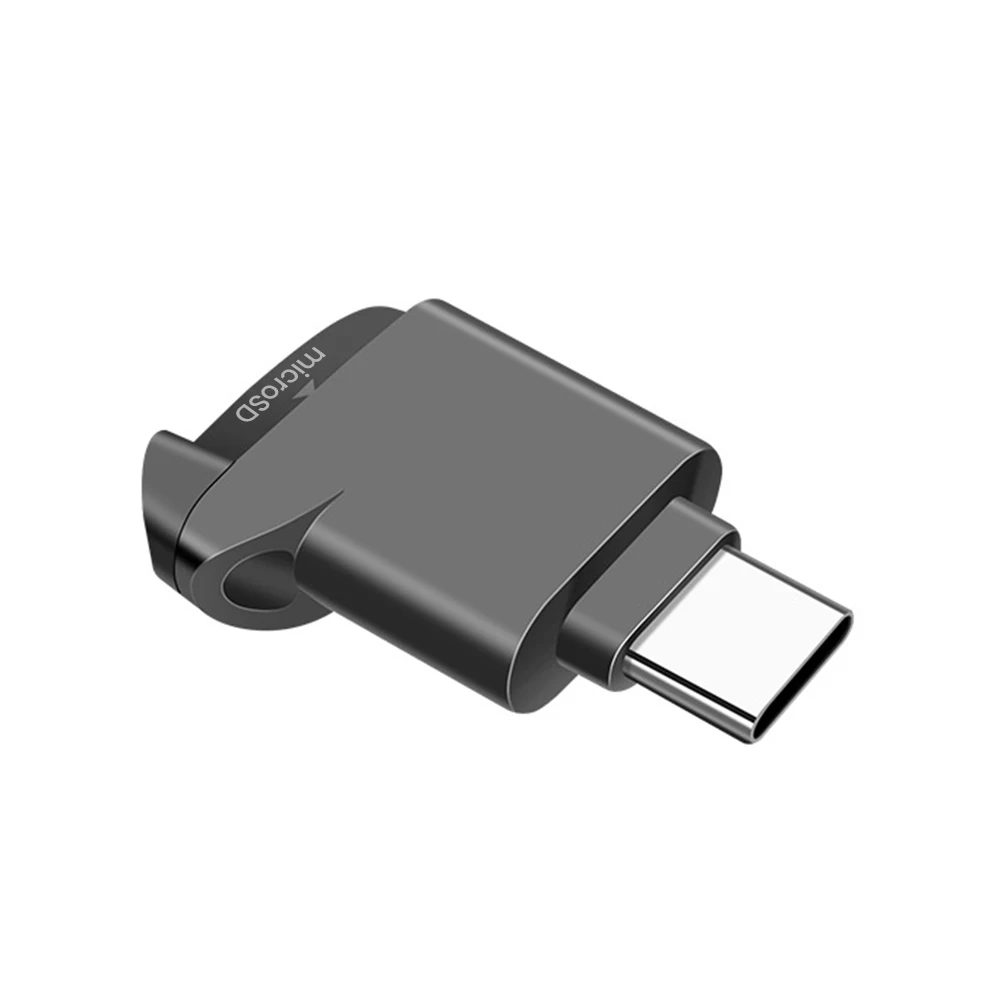
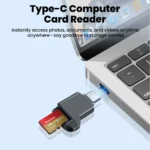
This USB-C TF Card Reader provides a simple way to connect compatible TF or microSD memory cards to USB-C equipped devices for accessing and managing stored files.
Mini Portable Design
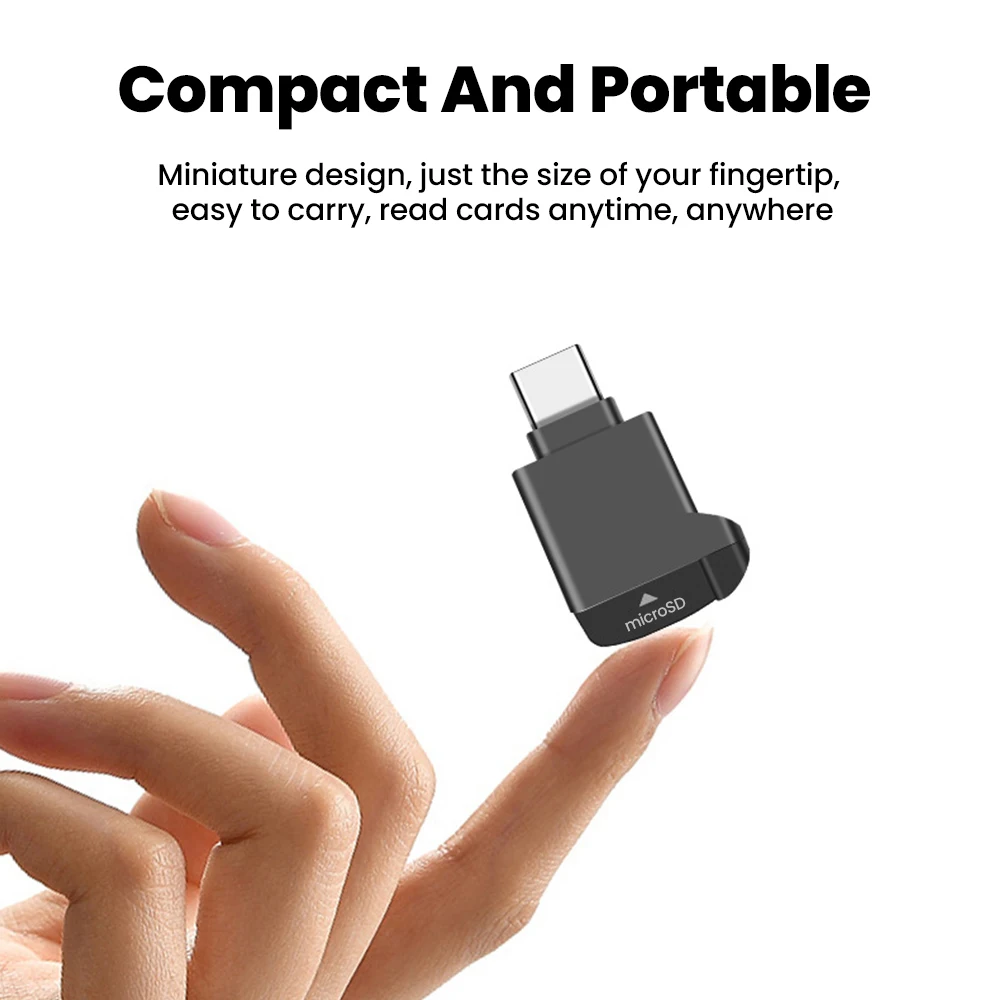
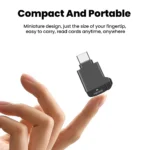
Its compact size makes the reader easy to carry in a pocket, laptop bag or accessory pouch for convenient everyday storage access.
USB Type-C Connection
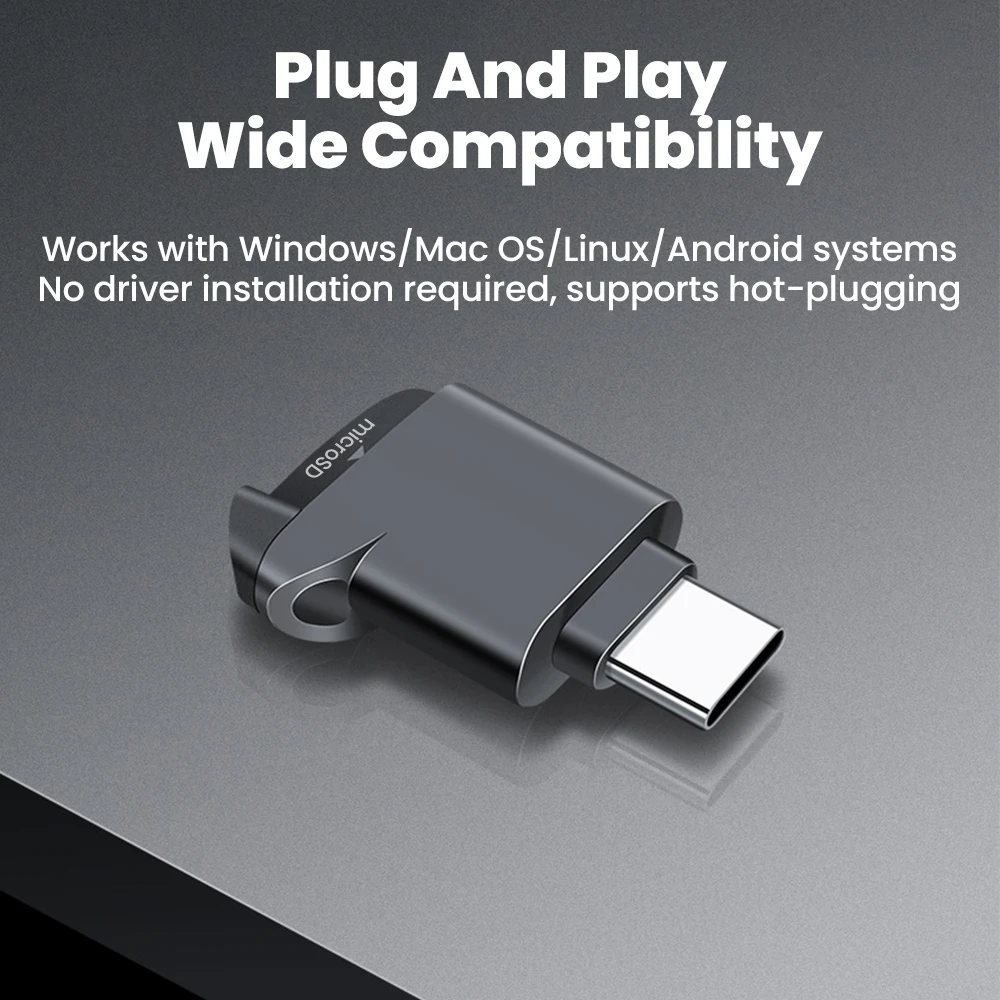
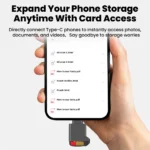
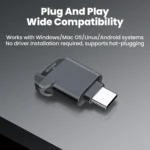
The Type-C connector is designed for compatible smartphones, tablets, laptops and other USB-C devices that support external card-reader functionality.
TF / microSD Card Support
Insert a compatible TF card, commonly known as a microSD card, to access photos, videos, documents and other supported files through your connected device.
Convenient External Storage
The reader can provide a practical way to access files from removable memory cards without requiring a built-in microSD slot on the host device.
Key Features
- USB-C TF card reader
- USB 2.0 interface listed by supplier
- Supports TF / microSD cards
- Compact mini design
- External plug-in installation
- Suitable for compatible USB-C devices
- Portable everyday accessory
- Useful for photos, videos and documents
- No separate internal installation required
- Black colour listed by supplier
- CE, FCC and RoHS certifications supplier-listed
Suggested Uses
| Device / Task | Suggested Use |
|---|
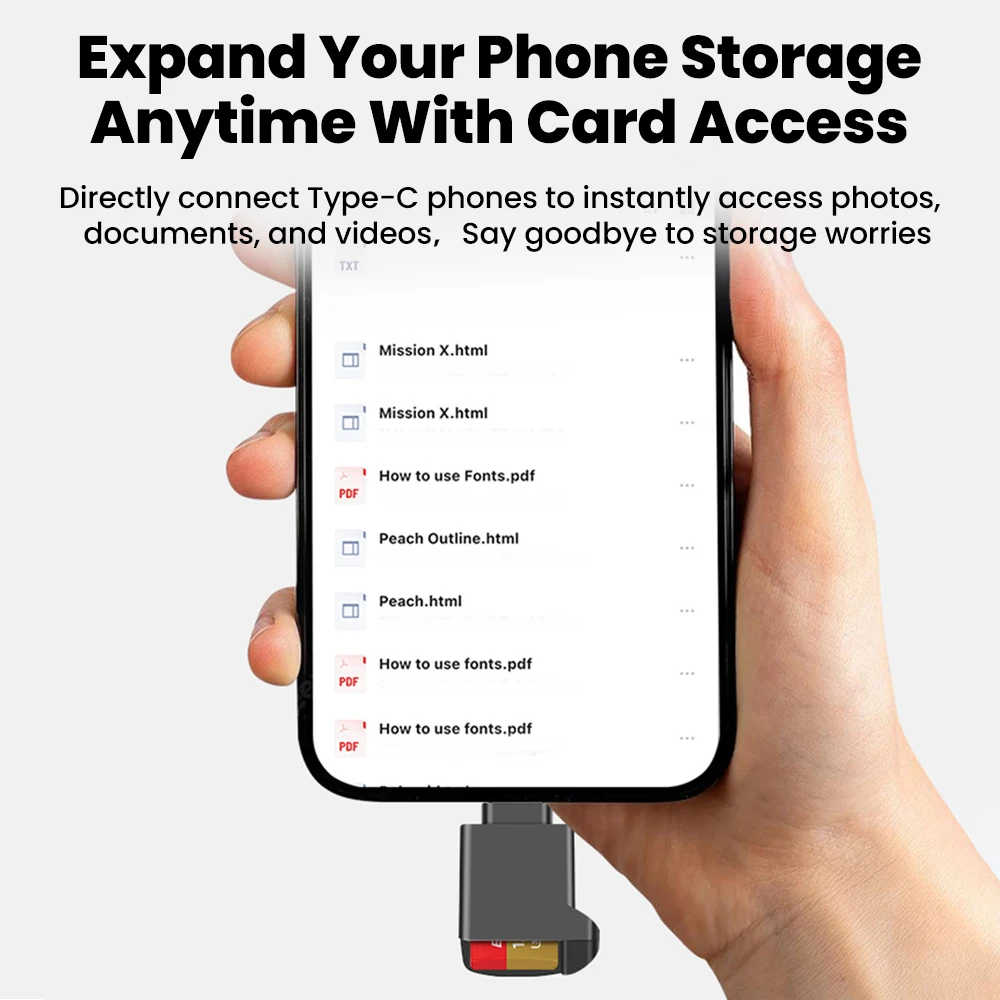
| USB-C Smartphone | Access compatible microSD files |
| Tablet | View or transfer supported files |
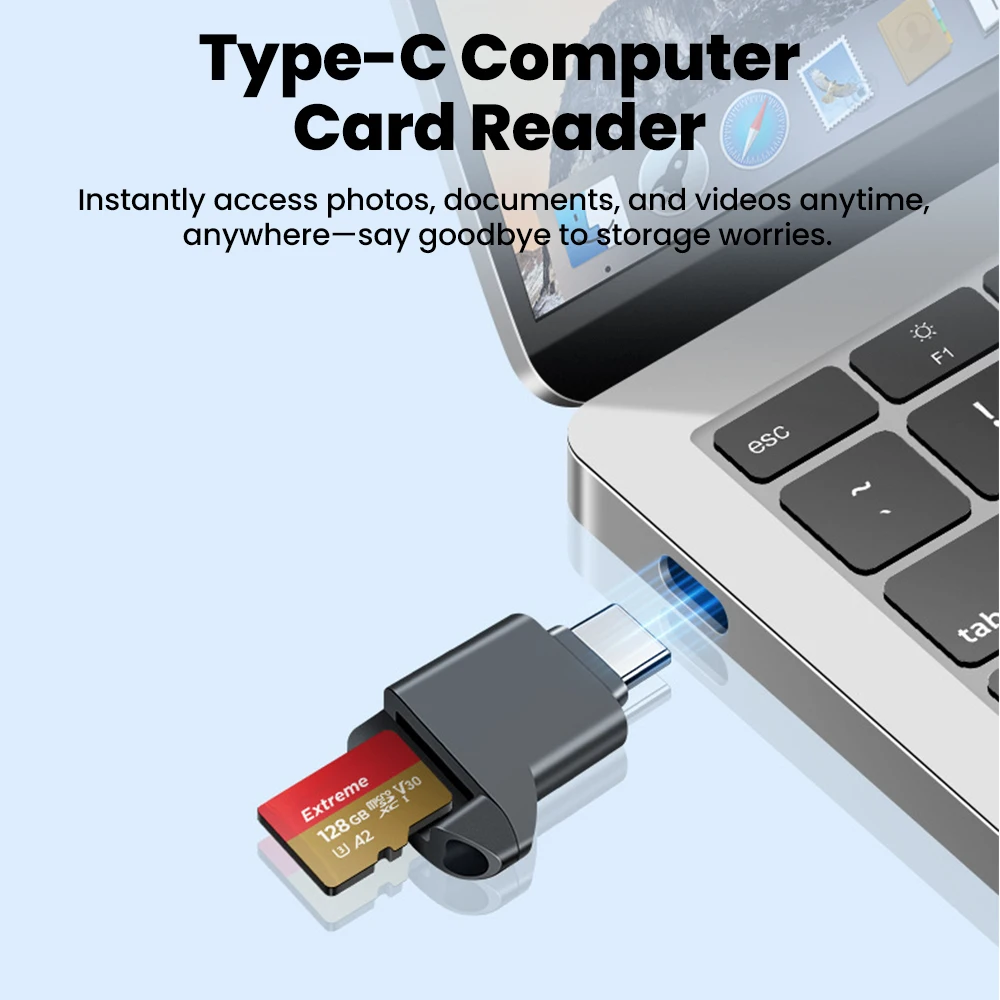
| Laptop | Read TF / microSD memory cards |
| Photography | Access compatible photos and videos |
| File Transfer | Move supported data between devices |
| External Storage | Access removable card-based storage |
How to Use
- Insert a compatible TF / microSD card into the reader.
- Connect the USB-C plug to a compatible device.
- Open the device’s supported file-management application.
- Locate the connected external storage.
- View, copy or transfer supported files as needed.
- Safely eject the storage where the operating system provides that option before disconnecting.
Important Compatibility Note
The supplier markets this reader for iPhone 16 and iPhone 17 series devices. These models use USB-C connectivity, but actual memory-card access may depend on the specific device, operating system version, card format and supported external-storage functions. Confirm compatibility before purchasing if the reader is required for a specific phone or tablet. This is an unbranded third-party accessory and should not be described as manufactured, licensed or endorsed by Apple.
Performance Note
The supplier title lists USB 2.0, but no verified maximum read or write speed is provided. Actual transfer performance can vary depending on the memory card, file size, connected device and other hardware limitations. Avoid advertising a specific MB/s speed unless independently confirmed.
Care & Safety Notice
Insert and remove the memory card gently to avoid damaging the slot or card contacts. Keep the reader dry and away from excessive heat, moisture and dust. Do not disconnect the reader while files are actively being written or transferred, as this may result in file corruption or data loss.







Reviews
Clear filtersThere are no reviews yet.