Product Details
| Specification | Details |
|---|
| Product Type | Screen / Monitor Storage Rack |
| Quantity | 1 Piece |
| Material | ABS Plastic |
| Frame Material | Plastic |
| Main Function | Additional Storage |
| Suitable For | Compatible Monitors & TV Screens |
| Suggested Items | Router, Set-Top Box, Phone & Small Accessories |
| Assembly Required | No |
| Reusable | Yes |
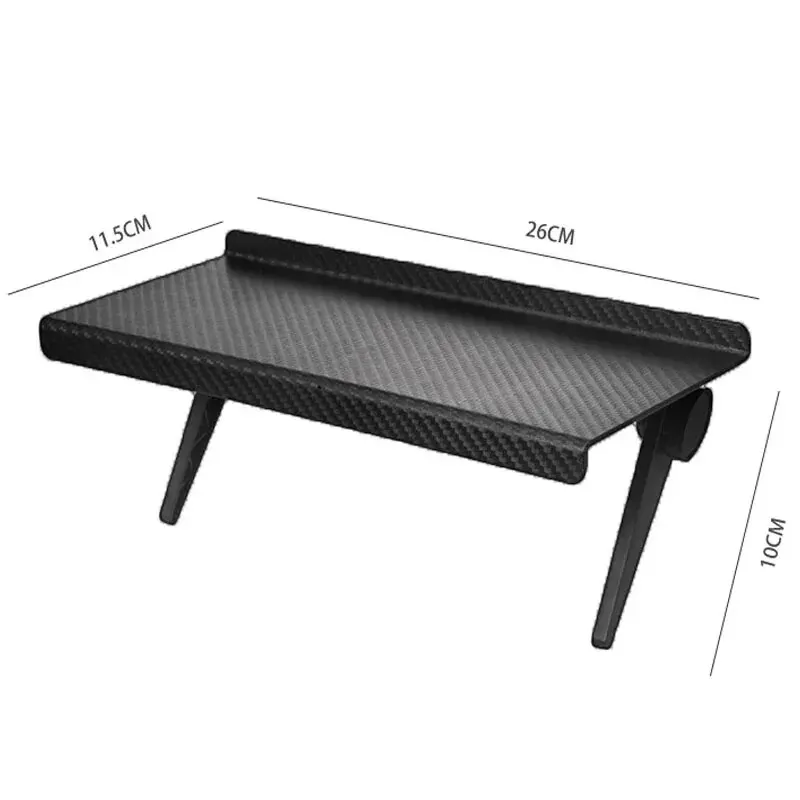
| Surface Design | Raised Anti-Slip Dots |
| Colour | Black (Supplier Description) |
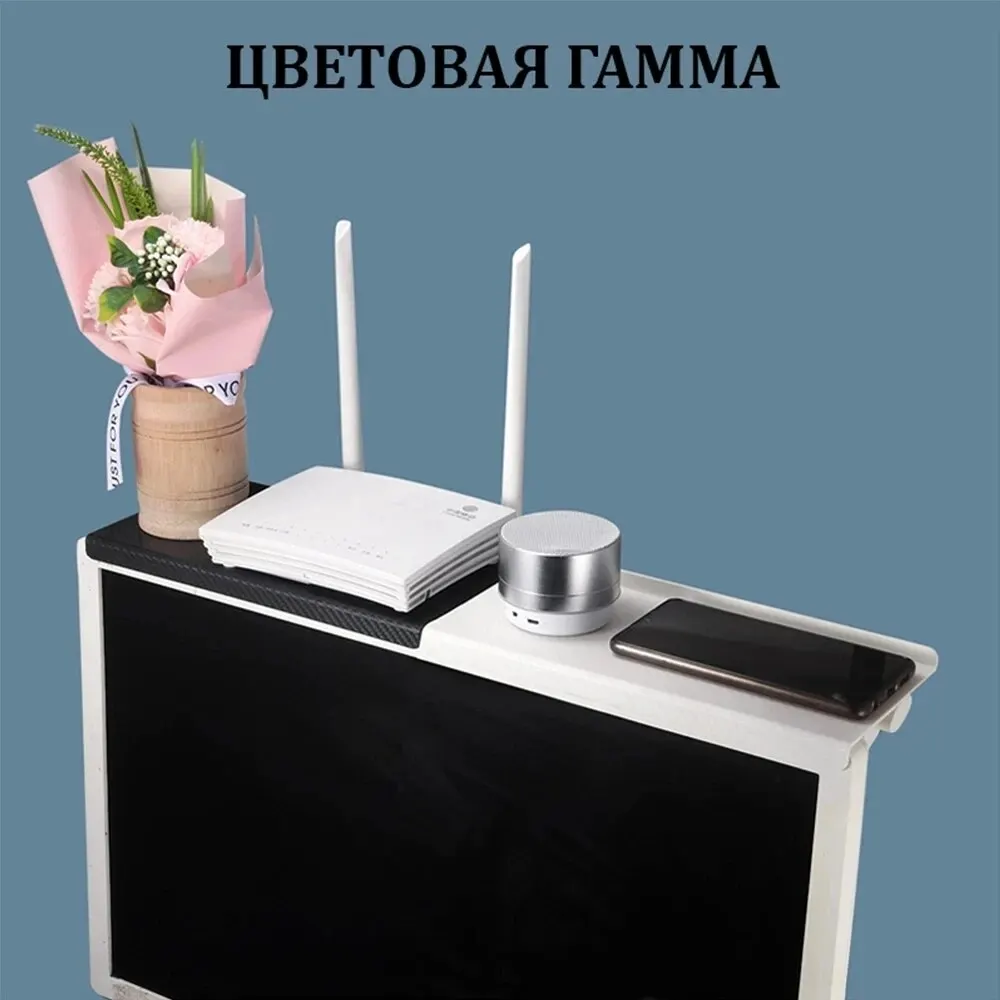
| Additional Colour | White Mentioned by Supplier |
| Model Number | Computer LCD Display Rack |
| Brand | Unbranded |
| Origin | Mainland China |
| High-Concern Chemicals | None Declared |
Practical Screen Storage Rack
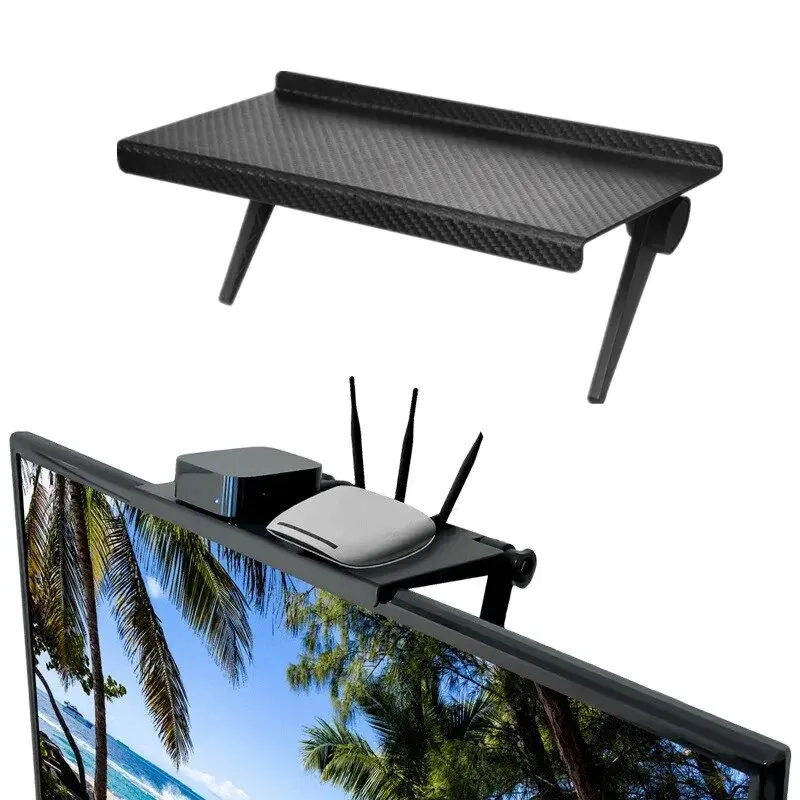
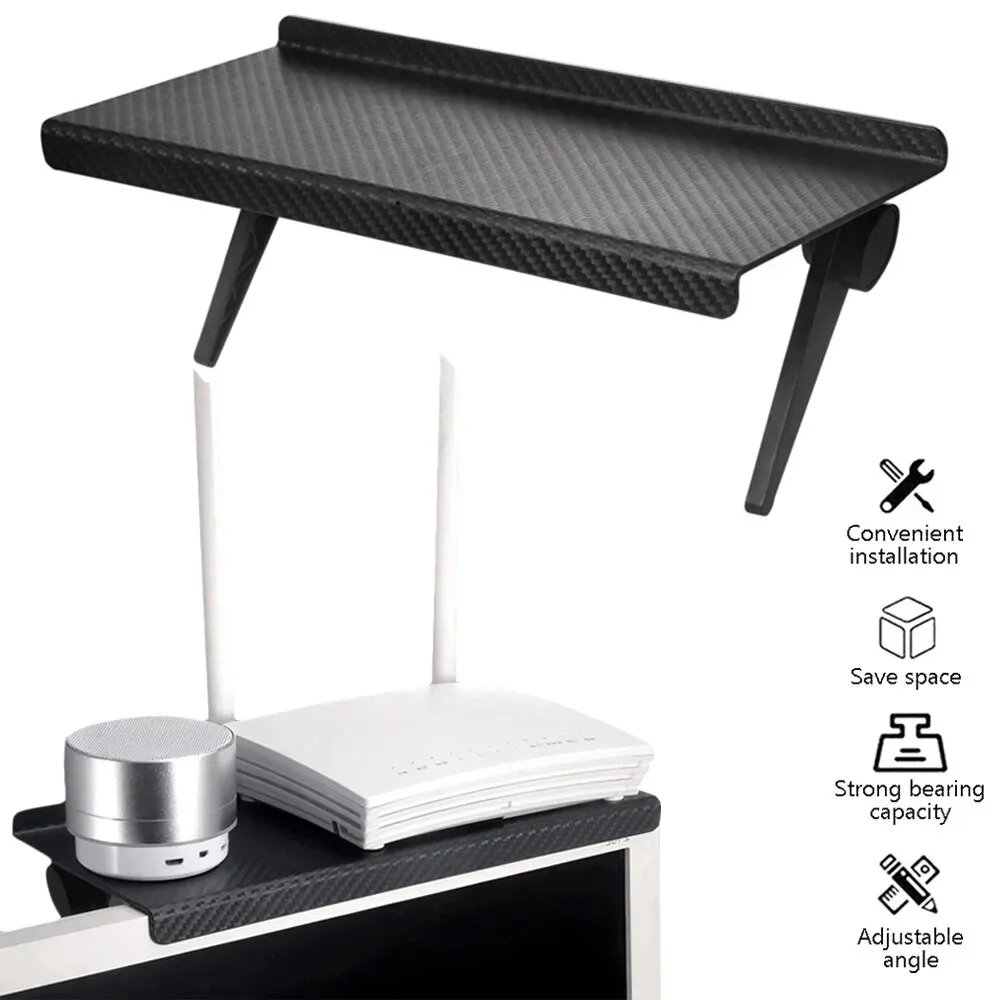
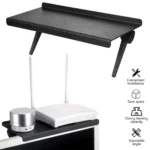
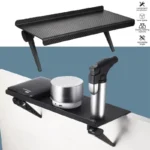
This Screen Storage Rack provides additional storage space above a compatible monitor or TV, helping keep small accessories organized without taking up extra desk space.
ABS Plastic Construction
Made from ABS plastic, the shelf is designed as a lightweight and reusable storage accessory for everyday home or office setups.
Raised Anti-Slip Surface
The top surface includes raised dots intended to increase friction and help reduce movement of suitable lightweight items placed on the rack.
Useful for Small Electronics
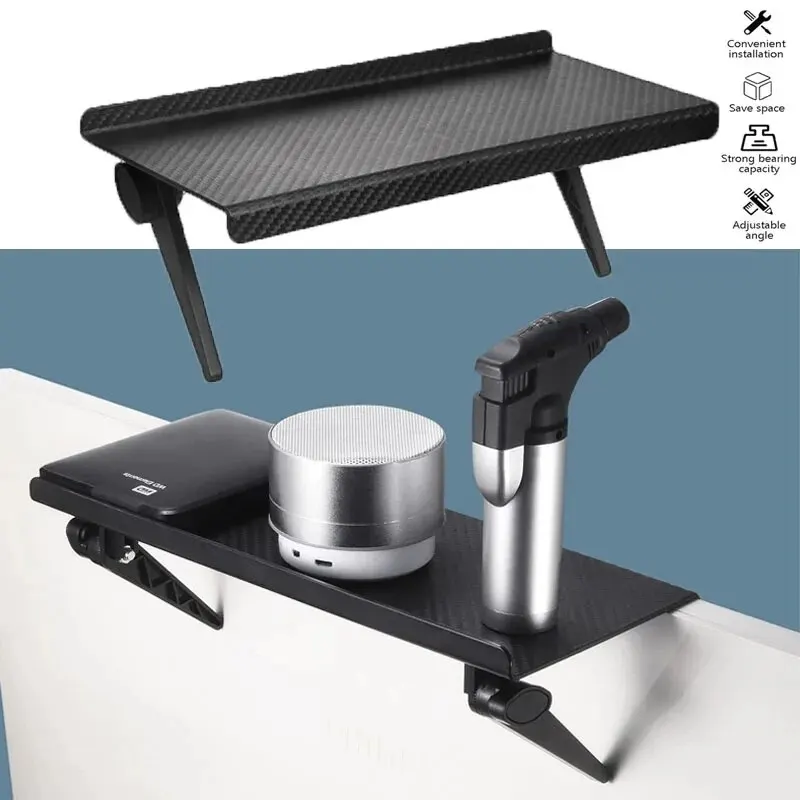
The supplier suggests using the shelf for devices and accessories such as wireless routers, set-top boxes, mobile phones and other small items.
Space-Saving Screen Storage
Positioning storage above a compatible screen can help free up desk or entertainment-unit space while keeping frequently used accessories within easy reach.
Key Features
- 1-piece screen storage shelf
- Suitable for compatible monitors and TVs
- ABS plastic construction
- No assembly required
- Reusable design
- Raised anti-slip surface
- Suitable for lightweight accessories
- Useful for routers and set-top boxes
- Can hold phones and small objects
- Space-saving desktop accessory
- Black colour listed
- White option also mentioned by supplier
Suggested Uses
| Item | Suggested Use |
|---|
| Wireless Router | Keep above a compatible monitor or TV |
| Set-Top Box | Store suitable lightweight units |
| Smartphone | Convenient temporary placement |
| Remote Control | Keep within easy reach |
| Small Accessories | Organize lightweight desk items |
How to Use
- Check that your monitor or TV design is suitable for the shelf.
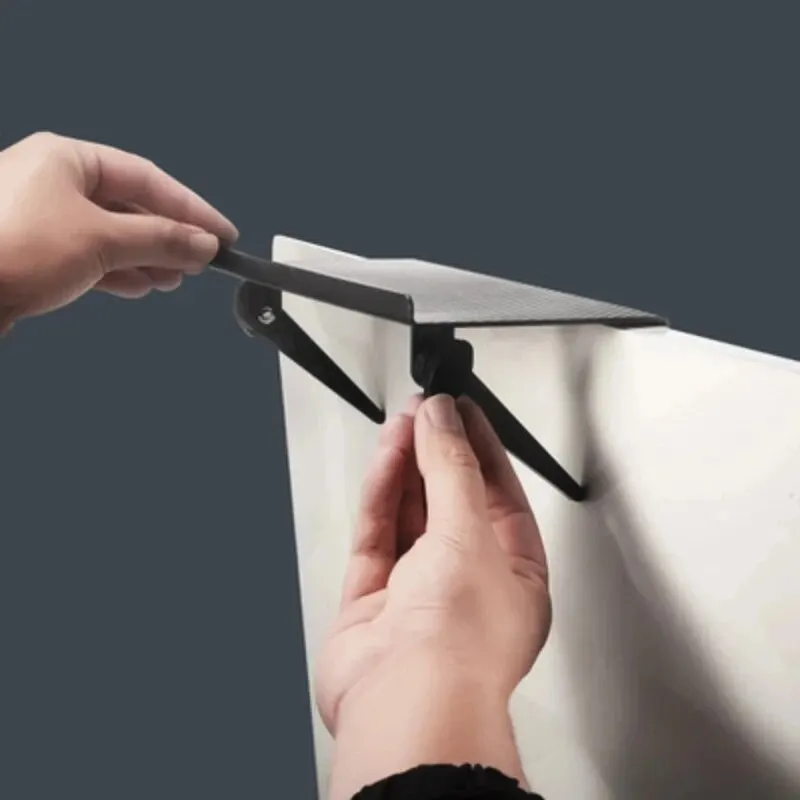
- Position the rack securely according to the product’s mounting design.
- Make sure it sits flat and stable before placing any item on top.
- Start with lightweight objects only.
- Keep items centered and avoid overloading one side.
- Remove the rack if it becomes unstable or interferes with ventilation.
Important Product Note
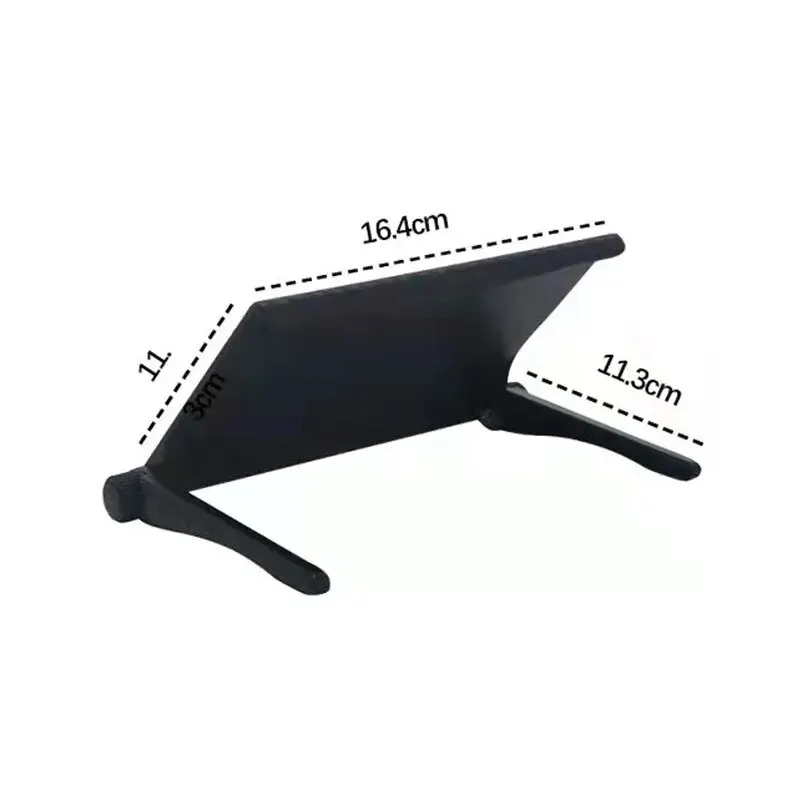
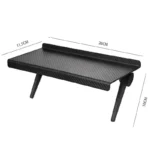
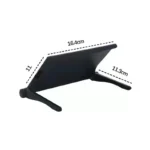
The supplier title describes this as a non-perforated / no-drill storage bracket, but the exact mounting method is not provided in the specifications. Confirm the actual installation mechanism before advertising guaranteed no-drill compatibility. No exact dimensions or maximum load capacity are supplied. Do not advertise compatibility with every monitor, television, router or set-top box without checking the actual size and mounting fit. The supplier mentions both black and white colour options, while the detailed model description specifically lists black. Confirm available variants before publishing.
Safety & Care Notice
- Use only for lightweight items unless the manufacturer provides a verified load rating.
- Do not place heavy, fragile or unstable objects on the shelf.
- Avoid covering monitor or TV ventilation openings, as blocked airflow may cause overheating.
- Check the rack periodically to ensure it remains securely positioned.









Reviews
Clear filtersThere are no reviews yet.